
Tools & Templates for Tracking Your Budget
You don't need expensive software. We've tested simple tools that work. Plus free templates you can download and use immediately.
Start Simple, Stay Consistent
When you're tracking every dollar, the tool matters less than the habit. We're not talking about complex accounting software or apps that cost $15 a month. The best budgeting tools are ones you'll actually use.
Here's what works for most people: a spreadsheet you understand, a notebook you can grab quickly, or a straightforward app that doesn't require a PhD to navigate. We'll walk through real options — including templates you can download right now — and show you how to pick one that fits how you think.
The Three Tool Categories
Most people fall into one of three camps. You might recognize yourself.
The Spreadsheet Person
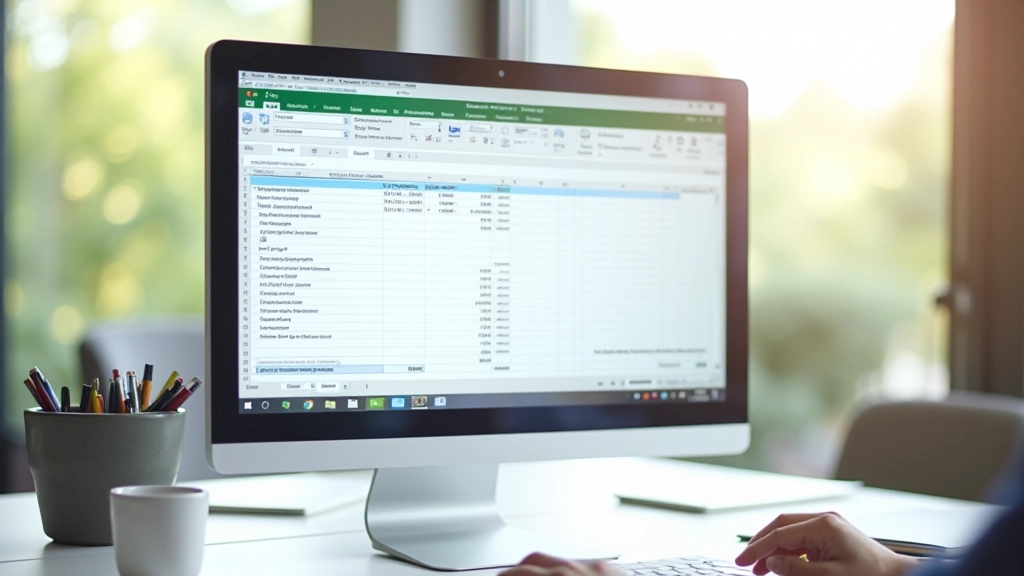
You like control. You want to see formulas. You don't trust apps. A well-built spreadsheet is your tool. It doesn't need to be fancy — just columns for income, expense categories, and running totals. Takes about 20 minutes to set up, then it's yours forever.
The Pen & Paper Person
You prefer analog. You write things down, you remember them better. A simple notebook with budget categories listed at the top, updated weekly. It's slow, but it works. You're not distracted by notifications.
The App Person
You want automation. You like seeing charts. An app syncs across devices, categorizes transactions automatically, and sends you alerts. It's convenient. The tradeoff: you're handing over some control to software.

Free Templates to Download
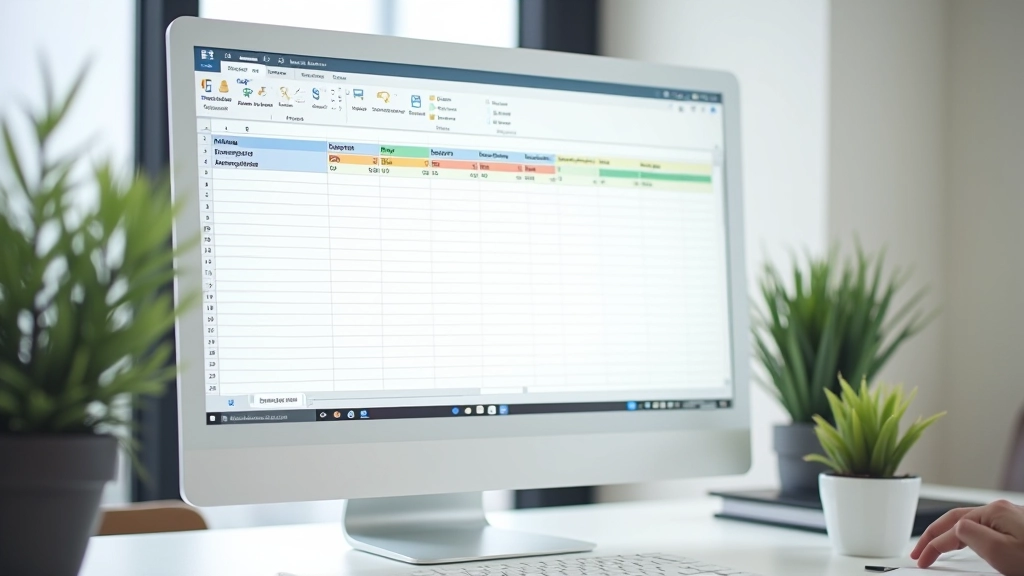
We've created two templates that work for zero-based budgeting. They're stripped down — nothing fancy. Just the structure you need.
Monthly Budget Spreadsheet
Google Sheets or Excel. Lists all income sources at the top, then categories below. You enter actual spending each week and compare to your allocation. Built-in formulas show you how much's left. Works best if you check it twice a week.
Weekly Tracking Worksheet
Print or digital. Designed for people who prefer breaking the month into weeks. Seven lines per category per week. You fill it in as you spend, so you see immediately if you're on track. Easier to reset weekly than manage monthly totals.
What to Look For in Any Tool
Whether you pick a spreadsheet, app, or notebook, these features matter:
Clear Categories
You need to see exactly where money goes. Housing, food, transport, utilities — broken down enough to be useful, not so detailed you spend an hour categorizing coffee.
Running Totals
You need to know how much you've spent and how much remains in each category. Real-time tracking keeps you from overspending. Either automatic or something you update weekly.
Month-to-Month View
You should be able to compare this month to last month. Did you spend more on groceries? Less on entertainment? Patterns emerge when you can look back. Even a simple note-taking system should let you flip back pages.
Speed
If it takes 10 minutes to log a purchase, you won't do it. You need something you can update in under a minute. That's the real test: will you actually use it?
Visibility
You need to see your budget at a glance. Not buried in menus or sub-screens. Open it, and immediately know: am I on track this month? If it's hidden, you won't check it.
Privacy You Control
If you're using an app, check where your data lives. Cloud backup is convenient, but you should know the company's privacy policy. A spreadsheet on your computer? You control everything.
Getting Started in 30 Minutes
You don't need a perfect system. You need a working one. Here's how to set up any tool this week.
-
1
List Your Categories
Write down where money actually goes. Housing, food, transport, utilities, insurance, savings. Don't overthink it. 8-12 categories is enough.
-
2
Enter Your Income
Take-home pay only. That's the number you're allocating. If you get paid twice a month, add both paychecks.
-
3
Allocate Every Dollar
Go through each category. How much do you spend on groceries in a typical month? Housing? Write it down. The total should equal your income. If it's more, cut something.
-
4
Start Tracking
This week, log every expense. Don't wait until the end of the month. Immediate feedback works better. You'll see right away if you're overspending.

Real Tools People Use (Without the Price Tag)
Google Sheets
Free. Syncs across devices. You can build exactly what you need. Takes a bit longer to set up initially, but it's yours. No company can change the interface or charge you later.
Excel Spreadsheet
Same as Sheets but on your computer. Doesn't require internet. If you're already using Excel, it's zero friction. Download our template, customize it, done.
Paper Notebook
Seriously. A $3 notebook with categories written at the top and weekly rows. No login, no app update, no data sync issues. You'll remember what you spent better when you write it down.
YNAB (You Need A Budget)
This one costs money ($12-$15/month), but it's built specifically for zero-based budgeting. Syncs bank transactions automatically. Good if you want the app to handle some of the tracking for you. Trial period available to test it.
The Tool Doesn't Matter, The Consistency Does
You'll see advice about "the best budgeting app" or "the perfect spreadsheet." Ignore most of it. The best tool is the one you'll actually use. If you prefer pen and paper, use pen and paper. If you like automation, use an app. If you want control, use a spreadsheet.
What matters: updating your budget regularly, checking it weekly, and knowing where your money goes. That habit will transform your finances faster than any fancy tool ever will. Start this week. Pick one. Set it up in 30 minutes. Then track for two weeks and see what you learn about your spending.
Disclaimer: This article is educational only and is not financial or investment advice. Outcomes are not guaranteed and may vary based on your personal circumstances, income, and spending patterns. Always review the privacy policies of any tools or apps you use with your financial information. Consult with a financial advisor for advice specific to your situation.

DollarWise Editorial Team
Editorial Team
The DollarWise editorial team researches and verifies practical budgeting guidance for Canadian households. We focus on zero-based budgeting fundamentals, real tools, and honest explanations.
Related Articles
Setting Up Your First Zero-Based Budget
A straightforward walkthrough for beginners. We'll cover income tracking, listing expenses, and allocating every dollar.

Common Zero-Based Budgeting Mistakes & How to Fix Them
Most people struggle with three specific problems. We'll show you what they are and how to avoid them.

Adjusting Your Budget When Income Changes
Vancouver income fluctuates. Whether you got a raise, lost hours, or changed jobs, here's how to rebuild your budget.